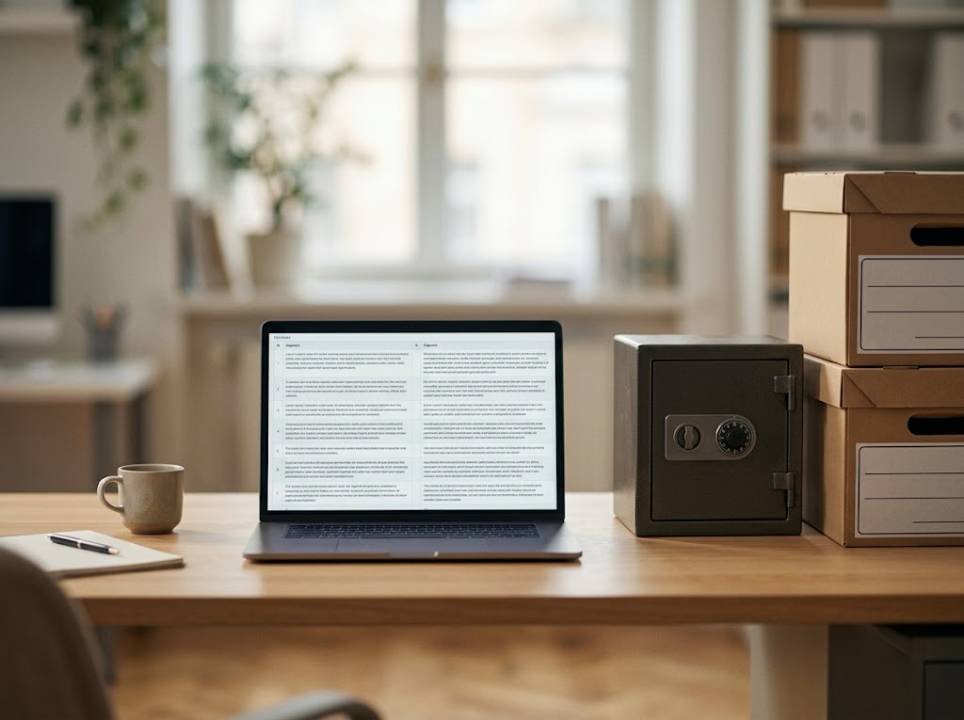
Every sentence a translator approves is stored in a memory. Over a few years, that memory becomes one of the most valuable text assets a company owns. It also becomes one of the least protected. Teams guard their customer lists carefully, then leave years of confidential wording in a file on a shared laptop.
What translation memory software does
Translation memory software saves pairs of sentences, the original and its approved translation. When a similar sentence shows up again, the software offers the saved version. The translator accepts, edits or rejects it. Nothing is guessed. Everything offered was once written and approved by a person.
This simple idea saves a great deal of time and money. It also keeps wording consistent across documents, languages and years.
Why the memory deserves protection
A memory is not just a list of phrases. It is a record of what your organization said, to whom and how. It can contain names, prices, internal procedures and details about customers or cases. Anyone who holds the memory holds a map of your communication.
For organizations that work with sensitive subjects, such as legal, financial or humanitarian work, the risk is even more direct. A leaked memory can expose people, not just plans.
Where privacy problems usually start
Memories on personal computers
When each translator keeps a private memory, the company loses control the moment the contract ends. The files stay on a stranger's machine with no expiry date.
Unclear ownership
Some agreements say little about who owns the stored sentences. Always state in writing that the client owns the memory and can request it at any time.
Careless sharing
Memories are exchanged by email, uploaded to public tools or merged with other clients' data. Each shortcut spreads copies that nobody tracks afterwards.
The legal side in simple words
If a memory contains personal data, data protection rules apply to it just like they apply to a customer database. Teams that work with European residents can start with the official European Commission page on data protection, which explains the main principles and the rights of individuals.
In practice, a few habits cover most of the ground. Collect only what you need, keep it only as long as you need it, and be able to find and remove entries when asked.
Features that support privacy
Look for software that stores the memory centrally rather than on each device. Look for access rules, so that a linguist only reaches the memory of the projects they work on. Look for a way to clean sensitive entries, for example by removing a name or deleting a whole project.
Export options matter too. You should be able to leave with your data in a standard format. The best translation memory software treats the memory as your property and makes it easy to download, inspect and remove.
Cleaning a memory before you share it
Before sending a memory to a new vendor, review it. Remove entries that mention individuals, internal codes or confidential figures. Delete duplicates and outdated wording while you are at it, which also improves the quality of future matches.
A short cleanup session may feel dull, but it is cheaper than explaining a data incident to a client or a regulator later.
The savings are real, so keep them safe
Memory is popular because it pays for itself. Repeated content costs less each time, and approvals come faster. If you want to see how large those savings can become, this article on translation memory tools gives clear examples.
The point of this article is simple. The same asset that cuts costs also carries risk, and the teams that profit most are the ones who manage both sides.
A scenario that happens more often than you think
An organization works with a freelance translator for six years. The relationship ends on good terms, but the translator's memory, full of case descriptions and internal terms, stays on a personal laptop. Two years later the laptop is sold. Nobody remembers to ask what was on it.
With central memory software, the story is different. The translator worked inside the company's workspace, access ended on the last day, and the memory never left the building. The cost of that difference is a few minutes of setup at the start.
Questions to ask every vendor
Where is the memory stored, and who can reach it? Is it used to train anything outside our account? How quickly can it be deleted on request? Can we export every entry in a standard format? Clear, written answers are a sign of a mature provider. Vague answers are a sign to keep shopping.
These questions matter just as much when the work leaves the building entirely. Organizations that hand sensitive files to outside professional translation services should expect written answers about storage, access and deletion before the first document is sent. A provider that treats confidentiality as part of the service, with named linguists and clear ownership terms, protects the client long after delivery. Trust, in other words, is something you verify in the contract, not something you assume.
A short policy you can adopt this week
Write down who may create, edit and export memories. Decide where memories are stored and for how long. Name one person who answers questions about them. Share the page with every vendor and freelancer before the next project begins.
Policies like this are short on purpose. A page that people read beats a handbook that nobody opens, and it gives your memory the protection it has earned.
A final check before the next project
Ask three questions. Do we know where our memories are? Do we know who can open them? Could we remove a person's data tomorrow if asked? Three honest yes answers put you ahead of most teams, and any no tells you exactly where to start.